Your wardrobe. A fresh possibility.
Start with a piece you love. Build an outfit around your day, explore a different combination and see the idea on your own photo.
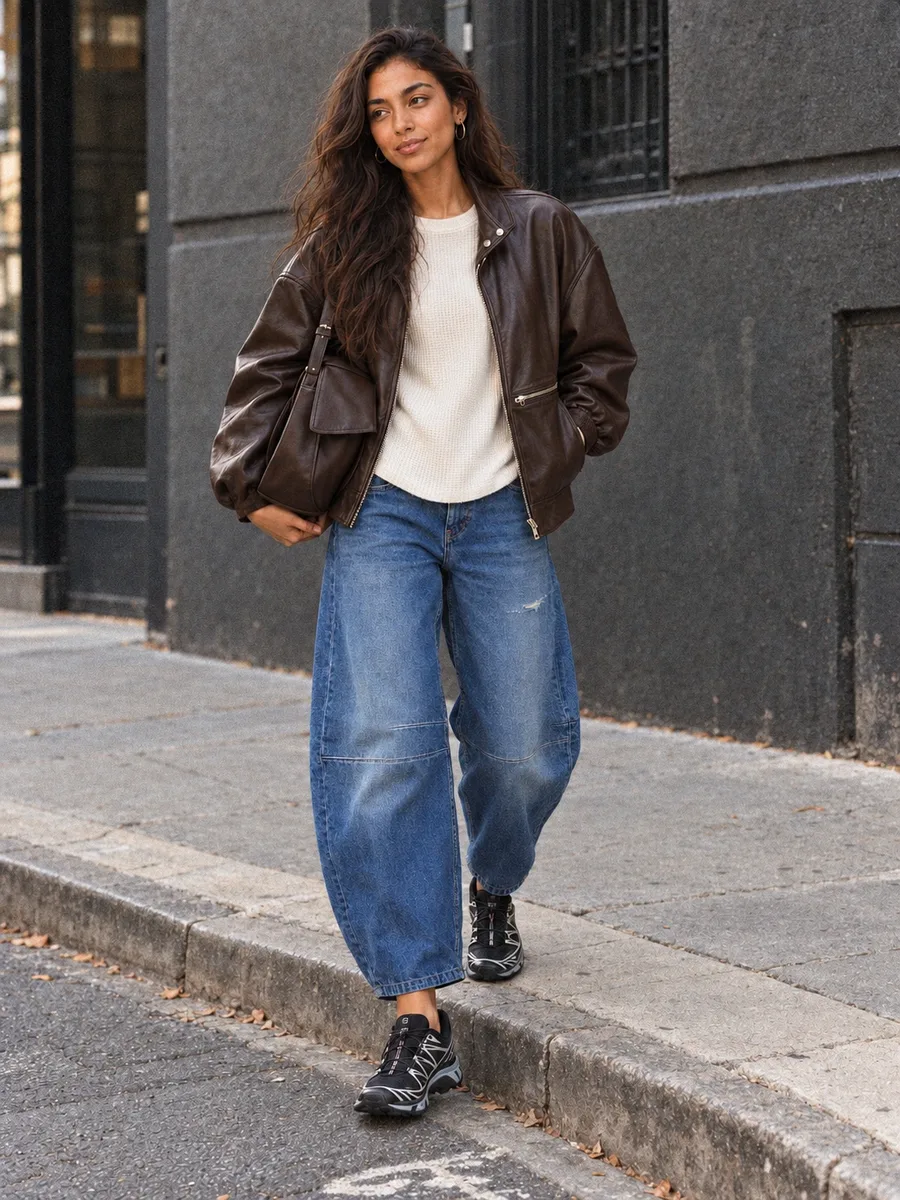
How It Works
- Add a few favorites. Upload clear photos of clothes you own, or add a supported product link. Review the pieces in your wardrobe before styling.
- Tell minniie the plan. Share the occasion, your weather and the piece you want to wear. Ask for an outfit from your own wardrobe, or bring an inspiration image to discuss.
- Choose to see the look. Add your personal photo and choose when to generate. Personal images use your paid plan’s available image allowance. Save the combinations you want to wear again.
What You Get
- Explore new combinations from your wardrobe
- Consider a new color or silhouette
- Choose when to create a personal outfit image
Frequently Asked Questions
- Can I create outfits from my own clothes?
- Yes. Add your clothes to your wardrobe, then ask minniie for a combination using those pieces. You can also request ideas for a piece you are considering buying.
- Does the button create an outfit immediately?
- No. It opens the account flow. You will need to sign in, choose a paid plan, add your clothes and personal photo, then choose to generate an image.
- Can I start with an inspiration image?
- Yes. Bring an outfit image and ask how to interpret it with your wardrobe. You can discuss alternative layers, shoes or proportions before creating a picture.
- How many outfit images can I create?
- Image creation depends on your plan and remaining image allowance. Check the current plans and allowances on the pricing page.
- Will the picture show the exact fit?
- The picture is an AI styling illustration. It can help you explore a combination, but cannot establish size, physical fit, comfort or exact garment details.